

TL;DR Summary
- In the United States, Digiturk Play streams Turkish channels and live matches without a satellite dish via Web, Mobile, SmartTV, AppleTV and AndroidTV.
- Recommended internet speed: 8 Mbps for HD, 10-12 Mbps for Full HD; ping should stay below 50 ms.
- Only one device can stream at a time; you may register the account on multiple devices.
- As long as your membership is active, you can access matches from the archive.
- Subscriptions can be purchased legally from all U.S. states (New York, California, Texas, Florida, etc.) through an authorized reseller.
Last updated: 21 May 2026 · Source: Digiturk Play International Authorized Reseller Broadcast Engineering Team
Digiturk Play in the United States
If you live in the U.S. and do not want to miss Turkish TV broadcasts, series episodes or Süper Lig matches, Digiturk Play is exactly what you need. Being far away is no longer an obstacle. With no installation or technical hassle, you can stream Turkey’s most-loved channels and live football matches using only an internet connection.
How to Watch Digiturk Play in the United States
Digiturk Play is an online streaming service that lets Turkish viewers living abroad reach Turkish channels without a satellite dish. All you need is a stable internet connection. You can use it on a smart TV, AppleTV, AndroidTV, mobile phone, tablet, or computer.
Advantages of the Digiturk Play America Package
Access to dozens of Turkish channels, live Süper Lig and beIN Sports broadcasts, popular series, kids channels and news — all in HD or Full HD. The package is fully legal in the U.S. and supported 24/7 in Turkish.
Which Devices Support Digiturk Play in America?
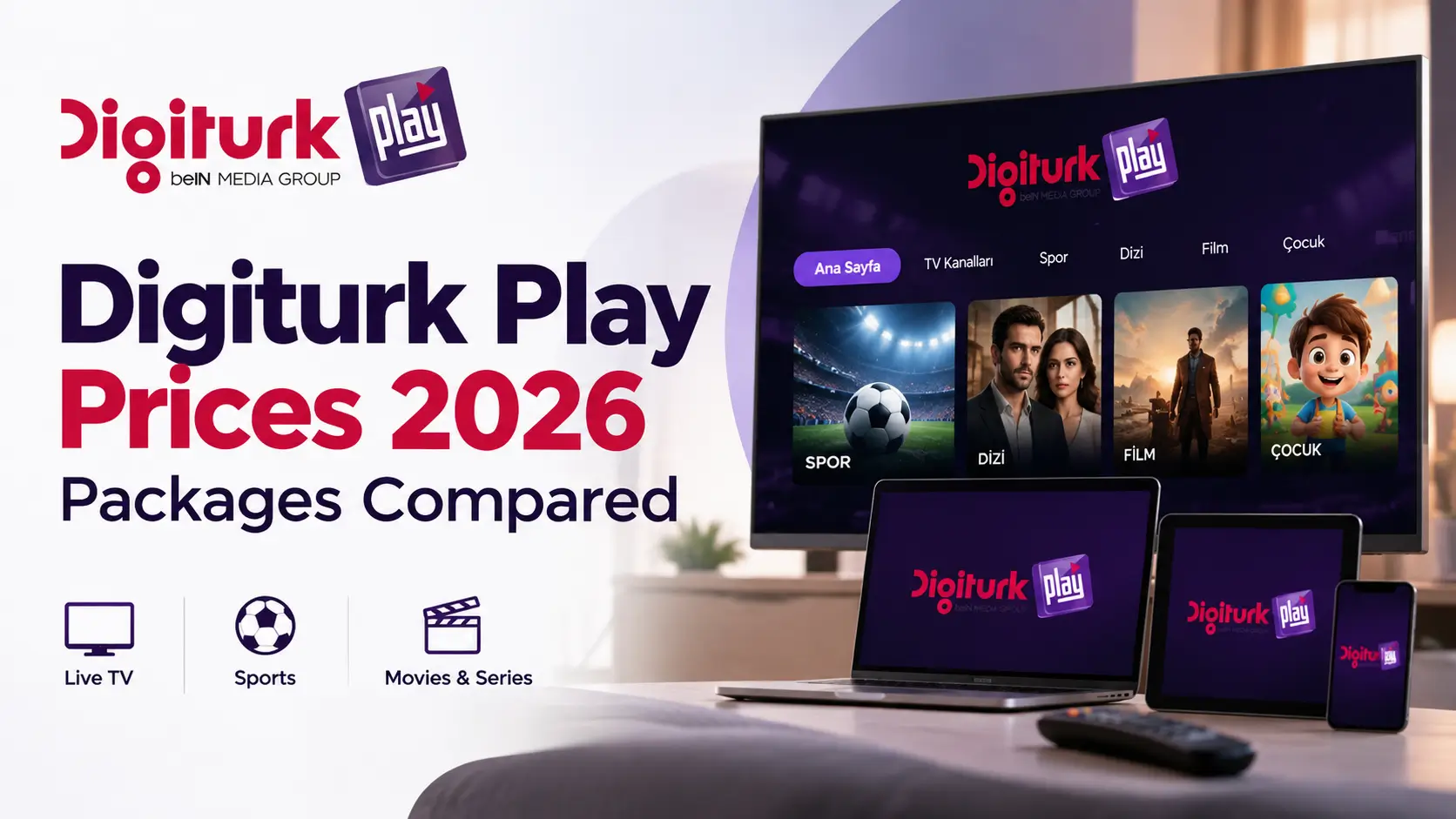
You can watch Digiturk Play on AppleTV, AndroidTV, Smart TVs (Samsung, LG, Sony), iOS and Android phones, tablets, and any modern web browser. Installation is plug-and-play.
Watch Any Turkish Broadcast From Anywhere
Whether you are in New York, Los Angeles, Miami or any other state, Digiturk Play delivers uninterrupted access to your favorite Turkish content. Time-zone planning is the only thing you need to handle.
How to Buy Digiturk Play in the United States
Visit the authorized reseller site digiturkplay.net, pick a package (Family or Sports), pay in USD or EUR with your credit card, and receive instant activation details by email.
Comparison: Ways to Watch Turkish Broadcasts in the U.S.
| Feature | Digiturk Play | Satellite Dish | IPTV / APK Apps |
|---|---|---|---|
| Legality (U.S.) | ✅ Fully authorized | ⚠️ Dish bans in some states | ❌ Not legal |
| Installation | No dish, internet only | Professional install required | Device-specific |
| Stream Quality | HD / Full HD | HD (satellite-dependent) | Variable |
| Simultaneous Devices | One device only | Single TV | Variable |
| Archive Access | While membership is active | None | Unsafe |
| Customer Support | 24/7 Turkish | Local technician | None |
5-Step Guide to Start Digiturk Play in the U.S.
- Visit the authorized site: Open digiturkplay.net and choose the Family or Sports Package.
- Make payment: Pay in USD or EUR with your credit card; activation details arrive by email.
- Install the app: Download Digiturk Play on AppleTV, AndroidTV, Smart TV or mobile.
- Sign in: Log in with your email and password; the device is auto-registered.
- Start watching: Open live matches, series and news channels. The full setup takes less than 10 minutes.
Frequently Asked Questions (From the U.S.)
Is Digiturk Play legal in the United States?
Yes. Digiturk Play is an officially licensed streaming service available in all U.S. states through an authorized reseller. Unlike satellite-dish systems, it works seamlessly in states with dish-ban regulations.
Do I need a VPN?
No. Digiturk Play’s international subscriptions are designed for U.S. access. Using a VPN is not recommended; you can sign in directly with your local IP.
What internet speed is required?
8 Mbps download speed is enough for HD. For Full HD and live matches, 10-12 Mbps and a ping below 50 ms deliver the best experience.
How many devices can stream at the same time?
Only one device can stream at a time. You may register the account on multiple devices, but only one can be active during a broadcast.
How long can I access the match archive?
As long as your membership is active, you can access matches from the archive.
Which payment methods are accepted?
Visa, Mastercard and other international credit cards are accepted in USD or EUR. Annual packages include +2 months free promotions.
Expert Checklist Before You Start
- ✅ Is your internet speed at least 8 Mbps? (test with speedtest.net)
- ✅ Is your device OS up to date? (AppleTV tvOS 14+, AndroidTV 9+)
- ✅ Is your credit card enabled for international payments?
- ✅ Have you prepared your email address for activation?
- ✅ Have you checked U.S. time-zone differences (EST/PST) against match schedules?
Expert Note: The most common issue for Digiturk Play users in the U.S. is jitter caused by local ISPs (Spectrum, Xfinity, Verizon) on international traffic. Before streaming, confirm that ping stays below 50 ms and jitter below 5 ms. A wired (Ethernet) connection always delivers more stable results than Wi-Fi.
— Digiturk Play International Broadcast Engineering Team






Do Comment