

Short answer: To log in to beIN Sports from abroad, all you need is a Digiturk Play Sports Package subscription. After subscribing, install the app on your Smart TV, phone or tablet and sign in with your email and password to instantly access Trendyol Süper Lig, 1. Lig, the Turkish Cup and other live broadcasts.
beIN Sports is the must-visit address for anyone who wants to feel the pulse of the sports world and witness adrenaline-filled moments. The most exciting matches in football, basketball, tennis, volleyball and many other disciplines come to life on beIN Sports. To watch your team live, follow championship races and enjoy the thrill of sports to the fullest, all you need is a beIN Sports login.
The exclusive Digiturk Play universe also covers beIN Sports. By purchasing one of the Digiturk Play packages you can easily access beIN Sports channels and experience sports anywhere, anytime. Start your Digiturk Play subscription to log in to beIN Sports and enjoy sports to the fullest.
Quick Overview: beIN Sports Technical Details
| Feature | Detail |
|---|---|
| Recommended internet speed | 5 Mbps for HD, 10 Mbps for Full HD |
| Supported devices | Smart TV, iOS, Android, Apple TV, Amazon Fire TV, computer |
| Concurrent streams | Up to 2 devices |
| Streaming quality | HD / Full HD |
| VPN required? | No, international use is licensed |
| Setup time | 5-15 minutes on average |
How to Log In to beIN Sports
Wherever you are in the world, entering the exciting universe of beIN Sports is now very easy. For sports fans living abroad, beIN Sports is accessible through the Digiturk Play platform. Whether on your computer, smartphone or tablet, you can follow beIN Sports broadcasts whenever and wherever you like.
To log in to beIN Sports, all you need is to buy one of the sports packages offered by Digiturk Play. Once your subscription is complete, you instantly access beIN Sports channels and watch your favourite matches live. Thanks to the user-friendly Digiturk Play interface, you can easily reach beIN Sports broadcasts and enjoy uninterrupted sports.
Step-by-Step beIN Sports Login
- Go to digiturkplay.net and choose the Sports Package under "Packages".
- Create an account or sign in with your existing one.
- Complete the payment; activation usually finishes within 15 minutes.
- Install the Digiturk Play app on your Smart TV, phone or tablet.
- Sign in with your email and password.
- Open the "Live TV" menu, choose the beIN Sports channel and enjoy the match.
Watch beIN Sports on Any Device
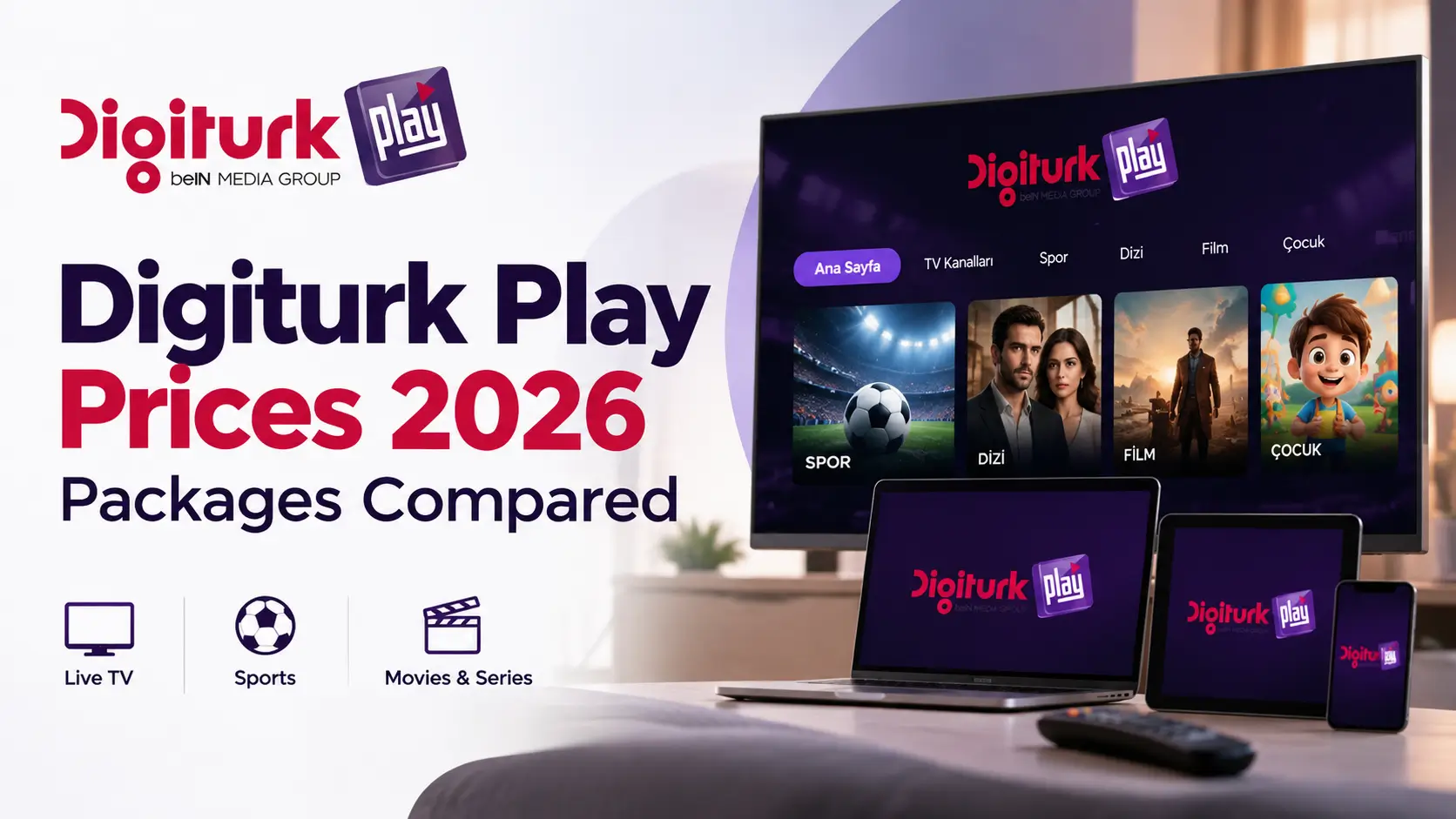
Experience the sports festival offered by beIN Sports without any device restrictions! Thanks to the multi-platform support of Digiturk Play, you can easily access beIN Sports channels from your computer, smartphone, tablet or Smart TV. Whether at home, on the road or on holiday, follow beIN Sports broadcasts on any device and never miss the thrill of sports.
The user-friendly Digiturk Play interface provides a seamless viewing experience on every device. With high picture quality and uninterrupted streaming, enjoy beIN Sports matches at their best. Thanks to the Digiturk Play mobile app you can also take beIN Sports broadcasts with you wherever you go.
Frequently Asked Questions (FAQ)
How do I log in to beIN Sports from abroad?
Subscribe to a Digiturk Play Sports Package, install the app on your device and sign in with your email and password - no extra setup needed.
Do I need to use a VPN?
No. Digiturk Play is licensed for international use, so you can watch legally without a VPN.
Which matches can I watch?
With the Sports Package you can watch Trendyol Süper Lig, 1. Lig and the Turkish Cup along with selected tennis, basketball and volleyball broadcasts live.
How many devices can I watch on at the same time?
You can stream on up to 2 devices simultaneously with the same account.
Which devices are supported?
Smart TV, iOS, Android, Apple TV, Amazon Fire TV and computer are all supported.
I forgot my password - what should I do?
Use the "Forgot Password" link on digiturkplay.net to receive a reset link by email and set a new password.
Last updated: May 2026 — Operator: beIN Media Group / Digiturk Play. More info at digiturkplay.net.





Do Comment