

In short (TL;DR): The easiest way to watch Turkish channels in Austria is the Digiturk Play internet-based subscription. No satellite dish needed — stream 100+ Turkish channels in HD on Smart TV, Apple TV, Amazon Fire Stick, phone, tablet and computer, including Trendyol Süper Lig matches, with 12 hours of catch-up, "Watch Again" and "Pick & Watch" features. Activation takes about 15 minutes on average and the subscription ends automatically when the term expires — no cancellation needed.
If you live in Austria but don't want to miss Turkish TV programs, series or Trendyol Süper Lig matches, Digiturk Play is exactly what you need. There's no satellite dish, no cabling and no installation to worry about. With just an internet connection, you can easily reach Turkey's most popular channels, live broadcasts and sports content. Thanks to this digital service from Digiturk, being far from home no longer means being far from your favorite broadcasts.
Digiturk Play isn't only about live streaming; it's packed with advanced features that take the stress out of timing. You can pause live broadcasts, rewind up to 12 hours and watch at your own pace, replaying any moment you missed. With services like "Watch Again" and "Pick & Watch," you can also start any series, film or show whenever you want. In other words, you decide what to watch — not when to sit in front of the screen.
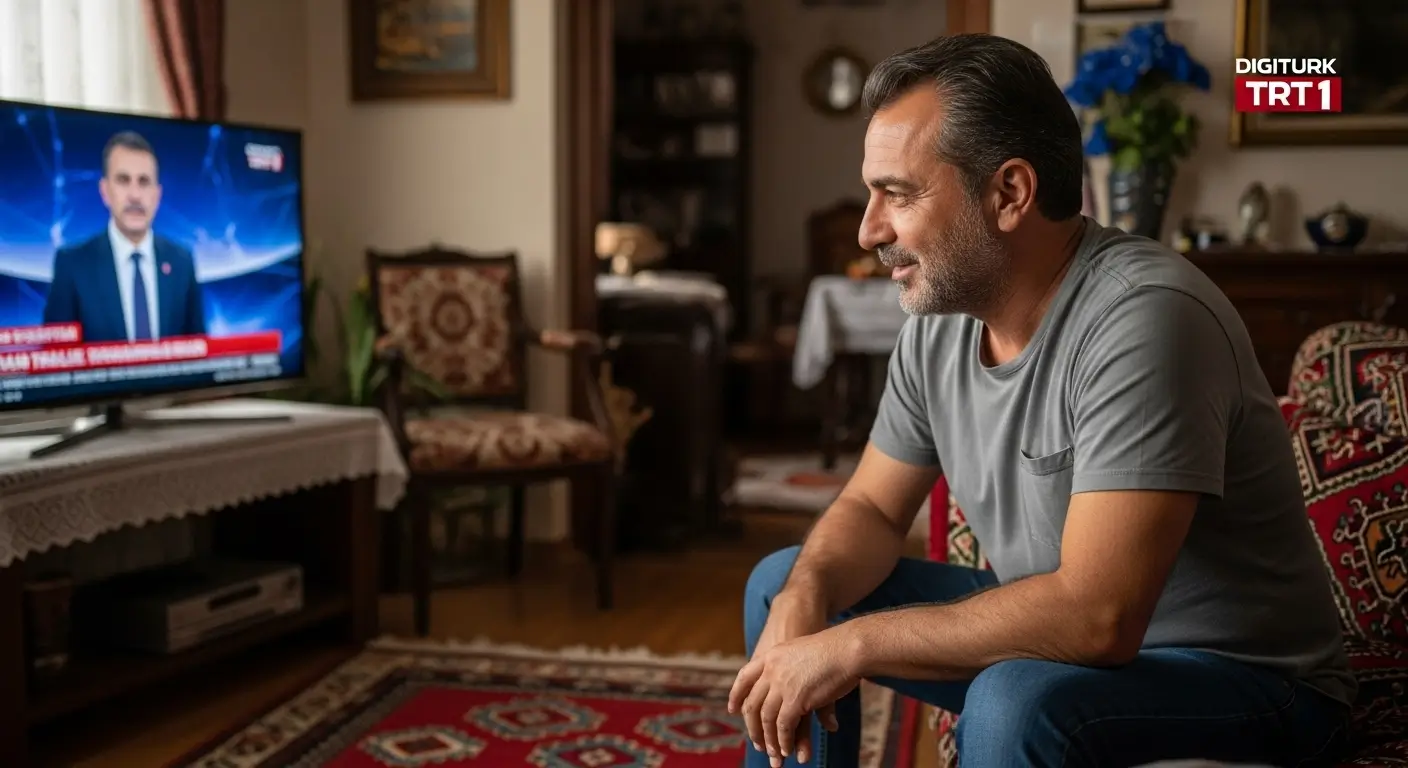
With an Austria Digiturk Play membership, your living room becomes a little corner of Turkey. Watching Turkish series with the family, sharing match excitement with friends or following daytime programs — it's all on a single platform, free from the limitations of living abroad. This digital-era service is more than just a streaming platform; it's a bridge that protects your cultural connection.
Digiturk Play in Austria – At a Glance
| Feature | Details |
|---|---|
| Service | Digiturk Play International Subscription |
| Available in | Austria and all of Europe |
| Hardware | No satellite dish or receiver required |
| Channels | 100+ Turkish channels (series, sports, news, kids, cinema) |
| Sports highlights | Trendyol Süper Lig, 1. Lig, Turkish Cup |
| Device support | Smart TV, Apple TV, Amazon Fire Stick, Android TV, iOS, Android, Web |
| Video quality | HD / Full HD |
| Catch-up | 12-hour rewind |
| Content features | Watch Again, Pick & Watch, pause live TV |
| Recommended internet | 5 Mbps for HD, 10 Mbps for Full HD |
| Activation time | Around 15 minutes |
| VPN | Not required (licensed for international use) |
| Cancellation | Ends automatically at the end of the term |
Watch Digiturk Play in Austria
Missing Turkish television while living in Austria is perfectly natural. Watching the morning news with breakfast, enjoying a series with family in the evening, or sharing the excitement of a Friday-night match — Digiturk Play is the easiest way to satisfy that longing. Unlike traditional broadcasting, you don't need a satellite dish, receiver or complex installation; an internet connection is enough to reach Turkey's most-loved broadcasts.
One of the best things about Digiturk Play is the freedom to control time. You can pause live TV, rewind 12 hours and use the "Watch Again" and "Pick & Watch" services to start any content whenever you want. No more "I missed it!" regrets. This is especially valuable for viewers in Austria who don't want to be limited by the time difference. Whether you start a series after work or binge several episodes over the weekend, the pace is completely yours.
With Digiturk Play, you aren't just watching broadcasts — you're keeping a warm connection with Turkey. The cultural gap that distance creates is filled by familiar faces and voices on the screen. For Turkish families in Austria especially, this is also a great way to keep children connected to the Turkish language and culture. In short, Digiturk Play brings a "taste of home" to your screen and makes home feel much closer.
How to Subscribe to Digiturk Play in Austria (Step by Step)
- Choose a package: Review the 1-, 3-, 6- or 12-month options on the Digiturk Play packages page and pick the sports, family or full package that suits you.
- Sign up: Briefly enter your first name, last name, email and Austrian address in the form.
- Pay: Complete the purchase with a credit card or a secure online payment method.
- Activation: The activation team sets up your package in roughly 15 minutes; wait for the confirmation email.
- Start watching: Sign in on a computer, phone, tablet, Smart TV, Apple TV or Amazon Fire Stick and enjoy Turkish broadcasts.
If you live in Austria and no longer want to miss what's happening in Turkey, Digiturk Play is a real lifesaver. When picking the right package, consider your needs and viewing habits: do you mostly care about sports, or do you want a rich series and movie experience? All options are presented clearly and the decision is entirely yours. For details on all packages, click here.
Advantages of Digiturk Play in Austria
Following Turkish television while living in Austria keeps your bond with home alive and adds familiar warmth to daily life. This is exactly where Digiturk Play steps in, offering far more than traditional broadcasting. It goes beyond being just a streaming platform and gives viewers freedom in time, place and content. Whether on your phone in the metro or on your TV on the couch, the experience is shaped completely around you.
Key advantages of using Digiturk Play in Austria:
- Watching without a satellite dish or installation
- Live access to Turkey's national channels
- Live coverage of Trendyol Süper Lig and 1. Lig matches
- Pause live TV and rewind up to 12 hours
- Content freedom with "Watch Again" and "Pick & Watch"
- Compatible with computer, phone, tablet, Smart TV, Apple TV and Amazon Fire Stick
- A digital broadcasting license specifically for users abroad
- Cultural connection through Turkish series, films and shows
All these advantages help you keep up with what's happening in Turkey while living in Austria. The time difference is no longer an issue, and you decide what to watch at any hour of the day. By removing the limits of traditional broadcasting, Digiturk Play offers not only content but also comfort.
How to Cancel Your Austria Digiturk Play Membership
You've used Digiturk Play for a while, enjoyed a taste of home, and now you want to take a break. That's perfectly fine. One of the most common questions at this point is how to cancel the membership. The good news is that this process with Digiturk Play is much easier than you might think. If you're wondering whether you need to contact customer service to cancel, the answer is no — you don't have to do anything extra.
Digiturk Play packages are purchased for a fixed term and end automatically when the term expires. That means you don't need to fill out forms, write requests or search for a cancel button to end your membership. When the term of the package you purchased expires, your membership simply becomes inactive on its own. In other words, you can focus on enjoying what you watch without wasting time on cancellations.
This system is a major convenience for users living abroad. You won't end up paying for a service you're not using because of automatic renewals. You simply renew your package whenever you want, and if you don't want to, you just wait for the term to end without doing anything. Simple, hassle-free and fully under your control — Digiturk Play offers viewers not just content, but also a user-friendly experience in the digital era.
Frequently Asked Questions (FAQ)
Is it legal to use Digiturk Play in Austria?
Yes. The Digiturk Play international subscription is licensed for use across Europe, including Austria, and is fully legal.
Do I need a satellite dish or receiver?
No. The service runs entirely over the internet; no additional hardware is required.
Do I need to use a VPN?
No. The subscription is licensed for international use, so a VPN is not required.
Can I watch Trendyol Süper Lig matches from Austria?
Yes. Süper Lig, 1. Lig and Turkish Cup matches can be watched live from Austria with the Digiturk Play sports package.
What internet speed is enough?
At least 5 Mbps for HD and 10 Mbps for Full HD with a stable connection are recommended.
Which devices are supported?
It works on computer, phone, tablet, Smart TV, Apple TV and Amazon Fire Stick.
How long does activation take?
After payment, the package is set up in about 15 minutes on average, and you can start watching as soon as the confirmation email arrives.
How do I cancel my subscription?
No extra action is needed; the membership ends automatically when the package term expires.

Do Comment