

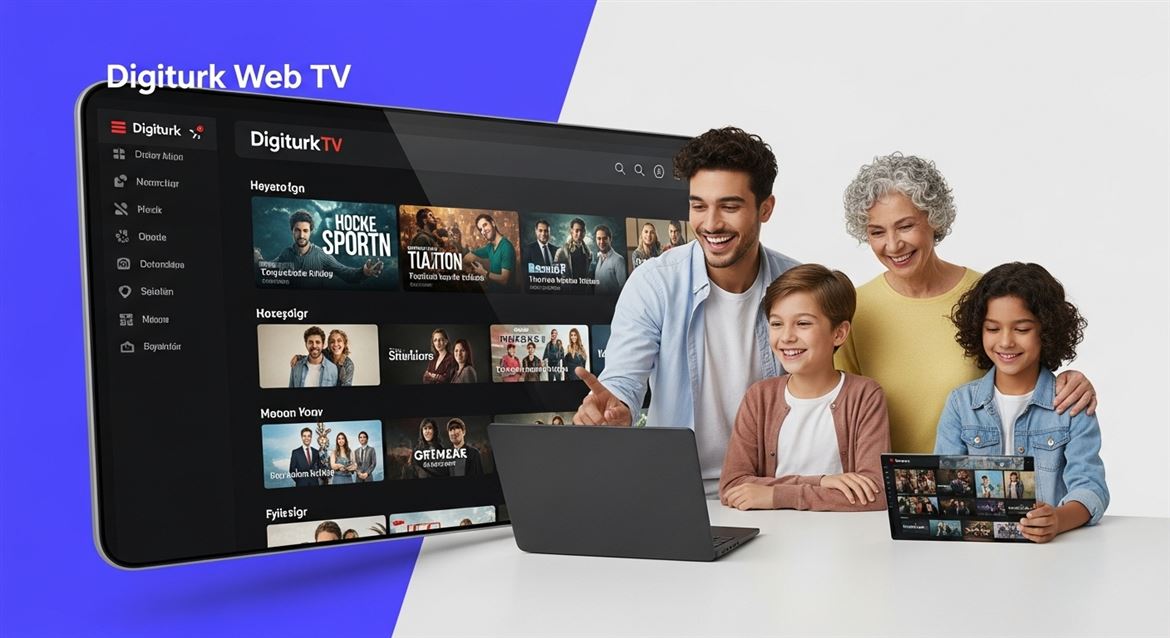
- Digiturk Web TV has evolved into Digiturk Play, an advanced digital streaming platform.
- It offers live TV, films, series and sports over the internet — no satellite dish or extra hardware required.
- Works on PCs, smartphones, tablets, Smart TVs and Chromecast.
- Recommended minimum speed: 8 Mbps for HD.
- Available legally from abroad with a licensed international package.
Digiturk Web TV, once one of the top choices for those who wanted to enjoy television over the internet, has now been replaced by Digiturk Play, a more advanced and versatile digital platform. Originally accessible only from computers, the Web TV service has evolved over time with new technology and changing user habits into a much broader, multi-device experience. Today, branded as Digiturk Play, the service is available not only on computers but also on tablets, smartphones and other compatible devices. Users can watch live TV channels and access series, movies, sports and documentaries on demand — with no need for a satellite dish or extra equipment.
How to Watch Digiturk Web TV
To watch Digiturk Web TV (now Digiturk Play), all you need is a valid subscription and an internet connection. After purchasing the appropriate package and logging in via the official website or app, you can instantly start streaming live TV channels and on-demand content. The platform supports multiple device types and offers a user-friendly interface that makes it easy to find content quickly.
How Web TV Works: Device Compatibility and Stream Quality
Digiturk Play streams content over the internet using adaptive bitrate technology, which automatically adjusts video quality based on your connection speed. The service is fully compatible with Windows and macOS computers, iOS and Android mobile devices, smart TVs and casting devices such as Chromecast. The HD-capable infrastructure provides a smooth and high-quality viewing experience as long as the internet connection is stable.
Is It Possible to Watch Digiturk Web TV (Digiturk Play) From Abroad?
Yes. Users living outside Turkey can watch Digiturk Play legally by subscribing to the licensed international package. The service is available in many countries across Europe, the USA, Australia and the Middle East. Once logged in, viewers can follow the Turkish Super League, popular series, movies and other content as if they were in Turkey — without needing a VPN.
Differences Between Web TV and Classic Broadcasting
Unlike classic broadcasting which depends on satellite dishes or cable lines, Web TV (Digiturk Play) is entirely internet-based. This makes it much more flexible: you can watch from anywhere with an internet connection, on any compatible device, and pause, rewind or rewatch on demand. Classic broadcasting requires fixed hardware and is tied to a specific location, while Web TV offers mobility, personalization and a richer content library.
Using Digiturk Web TV via the Mobile App
The Digiturk Play mobile app, available on the App Store and Google Play, gives full access to live TV channels and on-demand content from smartphones and tablets. After logging in, the app organizes content into intuitive categories — live channels, sports, series, movies and kids — so users can reach what they want with a single tap. Streaming works over both mobile data and Wi-Fi, but Wi-Fi is recommended for long sessions to avoid mobile data usage.
What Internet Speed Does Digiturk Web TV Need?
For a smooth experience, at least 5 Mbps is recommended for HD content and 8 Mbps for Full HD.The platform adjusts quality automatically based on the available speed, but a stable connection is more important than peak speed — keep the ping below 50 ms and the connection consistent for the best results.
Do You Need Extra Equipment for Web TV?
No. Digiturk Play does not require a satellite dish, receiver or any extra hardware. A compatible device (phone, computer, tablet or Smart TV) and an internet connection are enough. This makes Web TV one of the most accessible and cost-effective ways to enjoy live television and on-demand content.
Digiturk Web TV (Digiturk Play) Technical Comparison Table
The following table summarizes the recommended technical conditions and supported devices for using Digiturk Web TV / Digiturk Play:
| Stream Quality | Recommended Internet Speed | Data Usage (1 hour) | Supported Devices |
|---|---|---|---|
| SD (480p) | 3 Mbps | ~0.7 GB | Phone, Tablet |
| HD (720p) | 5 Mbps | ~1.5 GB | Phone, Tablet, PC |
| Full HD (1080p) | 8 Mbps | ~3 GB | PC, Smart TV, Chromecast |
Keeping the ping value below 50 ms is recommended for stream fluidity. A wired (Ethernet) connection typically reduces packet loss by about 40% compared to Wi-Fi.
5-Step Guide to Start Streaming With Digiturk Play (Web TV)
- Create an account: Sign up free at digiturkplay.net using your email address.
- Choose your package: Pick the option (Family, Cinema, Sports or International) that fits your needs.
- Complete the payment: Activate the subscription with a credit card.
- Install the app or open the web player: Download from the App Store, Google Play or your Smart TV store, or use digiturkplay.net.
- Start streaming: Sign in and launch live TV or on-demand content with a single click.
Following these steps, most users begin their first stream in under 10 minutes.
Frequently Asked Questions (FAQ)
Are Digiturk Web TV and Digiturk Play the same?
Yes. Digiturk Web TV has been rebranded and modernized as Digiturk Play; it is considered the current version of the same service.
Do I need a satellite dish to watch Digiturk Play?
No. The service is entirely internet-based, so no satellite dish, receiver or cable subscription is required.
Which devices are supported?
iOS, Android, Windows, macOS, Smart TV (Samsung, LG, Android TV), Apple TV and Chromecast are supported.
Can I use it from abroad?
Yes. With the licensed international package, you can watch legally in many countries including Europe, the USA, Australia and the Middle East.
How many devices can stream at the same time?
Only one device can stream at a time.
Is mobile data viable for streaming?
One hour of HD streaming uses about 1.5 GB of data, so Wi-Fi is recommended for longer viewing sessions.
Checklist for Smooth Streaming and Expert Tip
Checking the items below before starting a stream significantly reduces buffering and lag issues:
- ✅ Test your internet speed on fast.com (≥ 8 Mbps for HD).
- ✅ Make sure you are using the latest version of the app.
- ✅ Close background apps that consume bandwidth during streaming.
- ✅ Use a 5 GHz Wi-Fi band or wired Ethernet connection if possible.
- ✅ If you use a Smart TV, keep its firmware up to date.
Expert Note: The most important factor for stream quality is not bandwidth but ping and jitter. With a ping below 30 ms and jitter below 5 ms, even Full HD streams play extremely smoothly.





Do Comment