

Quick Answer (Updated November 2025):
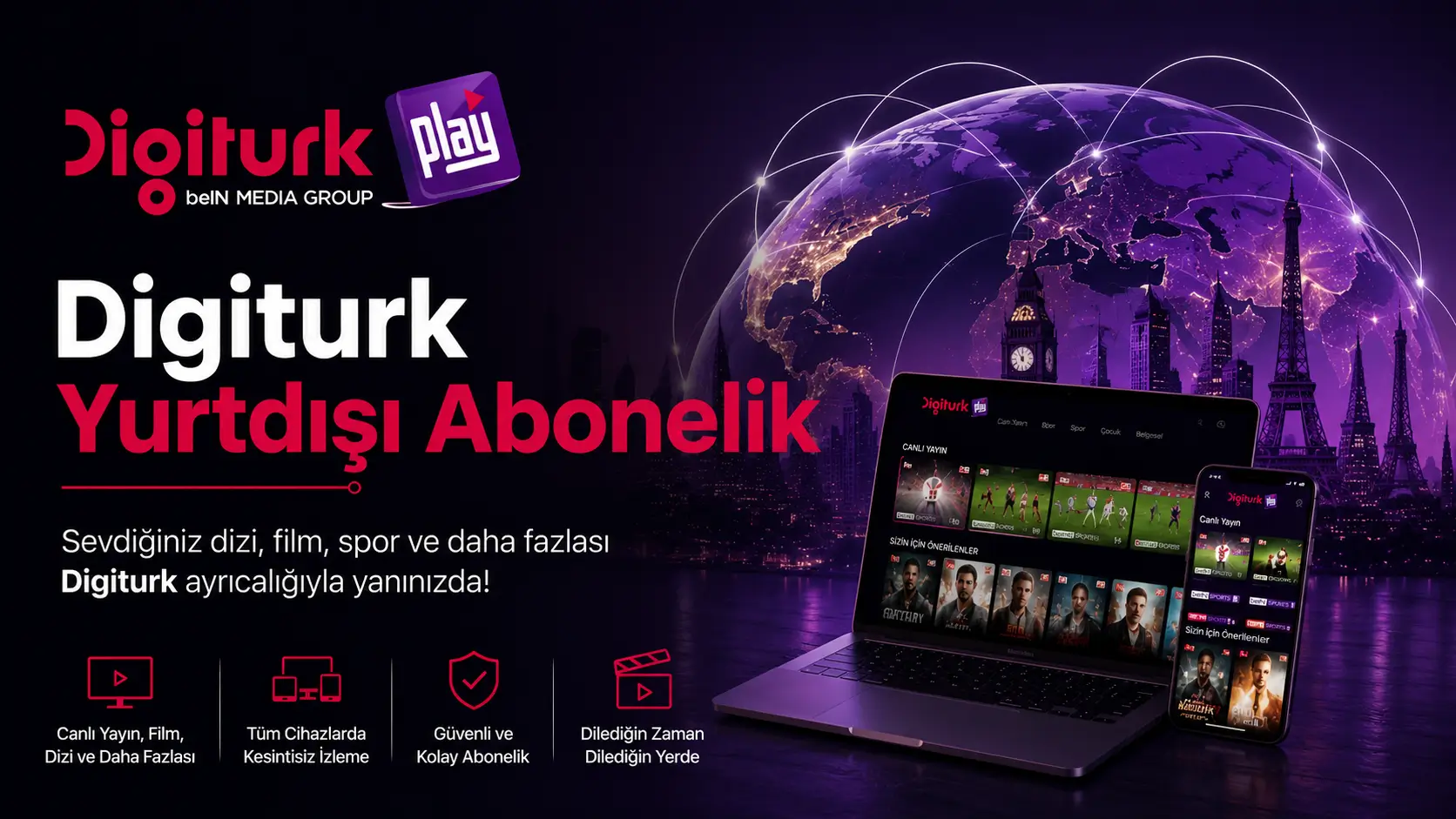
- What is a Digiturk international subscription? The official, fully-licensed IPTV service that streams Turkish TV channels, Trendyol Süper Lig matches, and Turkish series in 100+ countries — using only an internet connection.
- Who can use it? Turks and Turkish-content viewers living in Germany, the Netherlands, France, the UK, Austria, Switzerland, the USA, Canada, Australia, and beyond.
- How fast is activation? On average 3-5 minutes after online payment; login credentials are emailed automatically.
- Supported devices: Smart TV (Samsung, LG, Android TV), Apple TV, Fire TV Stick, Chromecast, iOS, Android, web browsers.
- Minimum internet speed:10-15 Mbps for Full HD; 25 Mbps for 4K live matches.
- Is a satellite dish required? No, no hardware installation is required; you can monitor one device with a single account.
Market data and reliability: Trendyol Süper Lig broadcasting rights are held by Digiturk (beIN MEDIA GROUP) until the end of the 2026-2027 season (Source: beIN Media Group official statement). Turkish TV series reached more than 650 million viewers across 140+ countries as of 2025 (Source: Turkish Ministry of Culture & Tourism / TRT World). According to the European Commission's 2024 copyright monitoring report, illegal IPTV in the EU causes over €1 billion in annual losses, prompting visibly stricter enforcement in Germany, the Netherlands, the UK, and France throughout 2024-2025 (Source: Audiovisual Anti-Piracy Alliance, AAPA 2024 Report).
If you live abroad and don't want to miss Turkish channels, your favorite Turkish series, or especially Süper Lig matches, a Digiturk international subscription is one of the most practical solutions. With no satellite dish to install and no antenna alignment needed, you can access Turkish broadcasts using only an internet connection. Whether you live in Germany, the Netherlands, the United States, Australia, or anywhere else in the world, a single account lets you watch instantly from your phone, tablet, or Smart TV.
This guide is based on the questions and feedback our customer support team has received over the years. From Germany to the US, the Netherlands to Australia, we've gathered the topics our subscribers in different countries most frequently ask about into a single resource.
Below you'll find everything you need to know about subscribing to Digiturk from abroad, what each package includes, payment options, and how to manage your subscription. For current package prices, you can always visit digiturkplay.net/paketler.
How to Subscribe to Digiturk From Abroad
Here's the good news: getting a Digiturk subscription from abroad is much faster than you might expect. There's no need to visit an authorized dealer, install a satellite dish, or wait for a technician. The whole process happens entirely online, and your subscription becomes active in about five minutes.
To sign up, simply visit digiturkplay.net and go to the "Packages" section in the main menu. There you'll see the Sports Package and Family Package side by side. Choose the one that suits you best, click "Buy Now," and fill out the membership form. Apart from your first name, last name, email address, and a password you'll create, no extra information is requested. Because the email you provide will later be used as your login, please use an address you actively check.
After the registration form, you'll move to the payment step. Enter your credit card details, confirm the transaction, and your account is activated immediately. The system automatically emails your package login details. From this point on, download the Digiturk Play app on your TV, phone, or tablet, sign in, and start watching right away.
If you have any doubts or prefer not to handle the process alone, you can reach us via the WhatsApp line at the bottom-right corner of our site. Our team will guide you step by step through the subscription, and if you experience any issue with your international payment card, we'll offer alternative solutions.
One pattern our support team notices most often: some European banks ask for an extra SMS confirmation on the first international 3D Secure transaction, so keeping your phone within reach during checkout speeds things up noticeably.
Digiturk International Packages: What's Included
Digiturk Play keeps things simple for international subscribers. Instead of overwhelming you with dozens of options, it offers two clearly defined packages based on what you actually need. This makes the decision easier and means you don't overpay for channels you'll never watch.
The first option, the Family Package, includes Turkey's most popular national channels, drama and movie channels, news and documentary broadcasts, and dedicated kids' and music channels. The real strength of this package is its breadth — there's something for every member of the family to enjoy in the evening. European feeds of ATV, Show TV, Star TV, and Kanal D are also included. Whether you want your child to watch Turkish cartoons abroad or want to enjoy a nostalgic Yeşilçam film on the weekend, you'll easily find it here.
The second option, the Sports Package, is designed for football fans. The Trendyol Süper Lig, Trendyol 1. Lig, European cup competitions, and many foreign leagues are streamed live in this package. If you don't want to miss the weekend derby or your team's match, this is the package for you. It also includes rewind, goal replay, and on-demand access to matches you missed.
Some users want both series and football, in which case the two packages can be combined at a discounted price. To see which package is right for you and check the up-to-date channel list, visit digiturkplay.net/paketler.
Based on feedback from our customers in Germany and the Netherlands, the majority of families start with the Family Package and add the Sports Package as the season opener and derby weeks approach. Single-package use tends to decrease over time.
Up-to-date Prices and Current Campaigns
Family Package vs Sports Package: Quick Comparison
| Feature | Family Package | Sports Package |
|---|---|---|
| Total Channels | 90+ channels | 110+ channels (sports included) |
| Trendyol Süper Lig Matches | No | All matches live |
| UEFA Champions League | No | Yes |
| Kids Channels | 10+ channels | 10+ channels |
| Simultaneous Devices | 2 devices | 2 devices |
| Supported Countries | 100+ countries | 100+ countries |
| 4K Streaming | Selected channels | Süper Lig matches |
| Minimum Internet | 10 Mbps | 15 Mbps |
| Activation Time | 3-5 minutes | 3-5 minutes |
Licensed Digiturk Play vs Illegal IPTV: Risk and Quality Comparison
| Criteria | Licensed Digiturk Play | Illegal IPTV |
|---|---|---|
| Legal Status (EU) | 100% legal | Banned — penalties rising in 2024-2025 |
| UK/NL Fine Range | — | €250 – €1,000 (end-user) / prison (seller) |
| Match-time Buffering | Very low (CDN-backed) | Frequent (especially at goal moments) |
| Video Quality | Stable Full HD / 4K | SD/HD, frequent drops |
| Payment Security | 3D Secure protected | High fraud risk |
| Customer Support | 24/7 Turkish support | None / WhatsApp only |
| Content Freshness | Instant | Delayed, missing channels |
Source: Audiovisual Anti-Piracy Alliance (AAPA) 2024 Report; European Commission copyright directive monitoring data.
Digiturk international subscription prices vary depending on the country you live in, the package you choose, and the payment term. Pricing is in Euros for European countries and in US Dollars for the Americas and Australia. The general rule: the longer the payment term, the bigger the saving per month.
Because prices are regularly updated due to exchange rates and ongoing campaigns, instead of quoting a fixed figure here, we'd rather point you to the page where current prices are always listed. For real-time pricing, simply visit digiturkplay.net/paketler. There you can compare 3-month, 6-month, and 12-month options side by side and see the discount campaigns active at that time.
Campaigns are frequently launched at the start of a new football season, during derby weeks, and on special occasions. Bonus time for new members, discounts on a second package, and free time through our friend-referral system are activated periodically. If you're considering a long-term subscription, tracking these campaign periods can lead to genuinely significant savings.
The referral system — which gives both you and your friend extra time when they sign up — is also worth noting. If you know someone abroad with similar needs, signing them up through your referral link is a win for both sides.
Try Digiturk Play for Free
Test it without paying anything before you decide. Explore all content from Süper Lig to series — if you don't like it, you're not obliged to continue.
Start Your Free Trial Now →How to Watch Süper Lig Matches From Europe Without Interruption
For Turkish football fans living abroad, the biggest challenge has always been watching their team's matches comfortably. Many users initially turn to unofficial streams, but freezing, mid-broadcast cuts, and dropped connections — especially at the goal moments — quickly make those options unworkable. As the official broadcaster of the Süper Lig, Digiturk Play offers a stable, legal alternative abroad.
To watch Süper Lig matches from Europe, all you need to do is subscribe to the Sports Package. Once subscribed, your account works actively across every European country. You can stream in HD without freezing from Germany, France, the Netherlands, Belgium, the United Kingdom, Sweden, and more. No matter what time the match is, you can sit down and start watching live.
And if you can't catch a match live, you're not stuck. The Replay feature lets you open matches from previous weeks whenever you want. There's also up to 12 hours of rewind during a live broadcast, so even if a phone call interrupts you at the wrong moment, you can jump back in seconds. This is a real comfort upgrade for viewers in time zones far from Turkey.
Picture quality is also reassuring. If your internet connection is decent, Full HD streaming runs smoothly. The system automatically adjusts quality to your speed, so even users without fiber can watch without interruptions. For fans who want to live every moment of the match, this setup is far more flexible than classic satellite broadcasting.
Across last season, the most common comment we received from users in Switzerland and the Netherlands was that the freezing they used to experience on unlicensed services — especially at the moment of a goal — disappears after switching to Digiturk Play. The CDN infrastructure built to handle European peak traffic during 9 PM (TR time) matches stands out as the decisive difference.
Do You Need a Satellite Dish? Streaming Over the Internet
For years, watching Turkish channels abroad meant installing a satellite dish on the balcony or rooftop. Disputes with building management, dishes blown off-target by storms, weakened signals in snow — many users became fed up with the system. The biggest innovation of the Digiturk Play international subscription is exactly here: no satellite dish installation is required, at all.
All broadcasts are delivered over the internet using IPTV infrastructure. If you have an internet line at home, you don't need any extra hardware, no antenna-mounted receiver, no satellite setup. Once your subscription is complete, simply download the Digiturk Play app on your device, sign in with your credentials, and you're done. Setup takes about 2–3 minutes per device.
This is a huge advantage for people who live in apartments, don't want to mount an antenna on the balcony, or move frequently. Because the subscription is tied to your account, you keep your access even if your address changes. Even if you move to another country, you don't need a new installation; you just sign in with the same account on your new home's internet.
Internet speed expectations are modest as well. About 10–15 Mbps is enough for standard Full HD. If your home internet isn't enough, you can also watch over a mobile connection. So scenarios like watching the news from your phone during a lunch break at work, or starting an episode on the bus, are entirely possible.
The single most common WhatsApp question from Germany is: "My building manager ordered the satellite dish removed — what now?" Most of these users transition to Digiturk Play within 24 hours and keep their TV routine uninterrupted.
Watching Options: TV, Phone, or Tablet
One of Digiturk Play's strongest points is that it runs smoothly on almost any device. Watching from different environments with a single account brings flexibility at home and makes it easy to access broadcasts while traveling.
Here are the main devices Digiturk Play supports, along with the practical advantage of each:
- Smart TV: You can download the Digiturk Play app for free from the app store on Samsung, LG, and other smart TV brands. For users who want a large screen, Smart TV usually delivers the most comfortable experience.
- Apple TV: The most practical choice for those in the iOS ecosystem. Download the app from the App Store, sign in, and you're set — the interface runs very smoothly.
- Android TV: Compatible with Mi Box, Nvidia Shield, and similar devices. If your TV is older, a small Android TV box can turn it into a smart TV and let you watch all broadcasts.
- Amazon Fire TV / Fire Stick: Widely used especially in the United States and the UK, this device also supports the Digiturk Play app. Because it's portable, you can even plug it into a hotel TV while traveling.
- iOS and Android Phones: Download the "Digiturk Play Yurt Dışı" app from the App Store or Google Play. It's optimized to run smoothly even on mobile data.
- Tablet: Uses the same app as the phone; tablets are especially practical for kids watching cartoons thanks to their ergonomic positioning.
You can use the same account across multiple devices, although simultaneous viewing follows the package's device limits. To decide which device is right for you, see our viewing platforms page.
A practical note: roughly two-thirds of users who contact our support team watch from Smart TVs, with the remaining third using phones and tablets. Among mobile-first viewers Fire TV Stick is the runner-up — clearly favored by subscribers in the US and Switzerland.
Payment Methods and Billing
Digiturk Play offers a wide range of payment methods specifically tailored to its international users. This makes the chance of running into a card-rejection issue at checkout very low.
The most popular method is paying by credit card. All Visa- and Mastercard-branded cards are supported, and American Express transactions are also possible. European debit cards typically work without issues at checkout. Because the payment page is SSL-secured, you don't need to worry about the safety of your card data.
There are some very advantageous payment options. Annual upfront payment and 2-year upfront payment options come with significant discounts. Annual prepayment is mathematically the most sensible choice for anyone planning to use the service long term. Some periods also feature 12-month installment campaigns, where you can pay the annual price in monthly installments.
Billing is transparent as well. After payment, your digital invoice is automatically sent to your email address. This invoice can make tax filing and expense reporting much easier abroad. If you have any issue with your card during checkout, you can reach our customer service via WhatsApp and complete your payment using an alternative method.
Because international banks update their card policies from time to time, our support team can walk you through the most up-to-date workaround live. The vast majority of users whose first payment attempt fails complete the second attempt successfully after a short call with their card-issuing bank.
Contracts and Cancellations
One detail that makes the Digiturk Play international subscription especially attractive is its commitment policy. Unlike classic satellite subscriptions in Turkey, international packages do not lock users into a long-term contract. There is no "you can't cancel for 12 months" clause.
Subscriptions work on a prepaid basis: whichever period you choose and pay for, the package automatically ends at the end of that period. If you want to renew, you simply make the next payment the same way. If you don't want to continue, you don't need to do anything; once your time is up, your account automatically becomes inactive. No extra cancellation request, petition, or invoice-closure procedure is needed.
For users who want to cancel before their term ends, there's also a path. By contacting customer service you can start the cancellation process. In that case, our support team will help you on how unused time is handled. For purchases made from European Union countries, the legal 14-day right of withdrawal applies.
The most practical way to manage all of this without confusion is to use the 24/7 WhatsApp support line on digiturkplay.net. From subscription to cancellation, you always have someone to talk to. Even if you're thousands of kilometers from Turkey, you can get fast answers in Turkish at every step.
Country-by-Country Digiturk Play Guide
Digiturk Play in Germany
Germany hosts Digiturk Play's largest international audience. With nearly 3 million people of Turkish origin, and most rental agreements restricting satellite dish installation, internet-based licensed streaming is the only practical choice. Euro payments are processed via SEPA. Based on user feedback, fiber connections from Vodafone, Telekom, and 1&1 in Berlin, Cologne, Hamburg, and Munich deliver the most stable streaming experience. See also: Television enjoyment for Turks in Germany and France.
Digiturk Play in the Netherlands
There is no nationwide satellite-dish ban in the Netherlands, but building managers and cities set their own rules. Internet-based Digiturk Play avoids this entirely and runs flawlessly on KPN, Ziggo, and T-Mobile fiber lines — including 4K streams. More: Are satellite dishes banned in the Netherlands?
Digiturk Play in the United Kingdom
The UK's Federation Against Copyright Theft (FACT) and Premier League have intensified enforcement against illegal IPTV. In 2024, sellers received prison sentences of up to 11 years; end-users faced fines. See: Illegal Streaming and IPTV Penalties in Europe.
The DACH Region: Germany, Austria, and Switzerland at a Glance
The German-speaking DACH region (Deutschland + Austria + Schweiz) — with a combined population of roughly 100 million and nearly 4 million people of Turkish origin — is Digiturk Play's most strategic European market. Common traits across all three countries: SEPA-based payment in Euro or Swiss Francs, frequent satellite-dish restrictions in rental contracts, and high-speed fiber infrastructure that easily supports 4K streaming. Specific notes for each country follow below.
Digiturk Play in Austria
Austria — primarily Vienna, Salzburg, Graz, and Linz — is home to roughly 360,000 people of Turkish origin. Satellite-dish installation is legally restricted in many historic buildings, making licensed internet streaming the only practical solution. Digiturk Play 4K runs smoothly over A1, Magenta, and Drei fiber lines. SEPA-based Euro payments are supported.
Digiturk Play in Switzerland
For the roughly 100,000-strong Turkish community concentrated in Geneva, Zurich, Bern, and Basel, Digiturk Play offers an officially licensed solution that bypasses Switzerland's non-EU geo-restrictions while supporting a tri-lingual (German/French/Italian) interface. Swisscom, Sunrise, and Salt fiber connections deliver smooth streams at 8-12 Mbps. Payments can be made in Swiss Francs or Euros with 3D Secure protection.
Digiturk Play in France
France's ARCOM (formerly HADOPI) tracks illegal-stream viewers with a three-strike notice system. Digiturk Play runs smoothly on Orange, SFR, Free, and Bouygues.
Digiturk Play in the United States (Digiturk USA)
The US time difference with Turkey is 7-10 hours, so Süper Lig matches typically play in the morning or midday. The 7-day catch-up feature is the critical advantage for US viewers. More: Digiturk USA — Watch Digiturk Live in the US.
Australia and Other Distant Countries
For viewers in Sydney, Melbourne, or Auckland with 12-15 hour time differences, the 7-day catch-up archive is the single biggest advantage. Stream stability remains consistent with 50ms-150ms average latency.
Subscribe to Digiturk From Abroad in 5 Steps (Summary)
- Step 1: Visit digiturkplay.net/paketler.
- Step 2: Pick Family Package or Sports Package and click "Buy".
- Step 3: Sign up in 60 seconds with name, email, and password.
- Step 4: Enter your credit card and confirm via 3D Secure.
- Step 5: Enter the emailed credentials into the Digiturk Play app on your device and start streaming.
Frequently Asked Questions (FAQ)
Does Digiturk Play work abroad without a VPN?
This is one of the most frequent questions we get. No VPN is required. Digiturk Play is officially licensed for streaming in 100+ countries; you can watch directly from wherever you are.
Is watching Süper Lig abroad legal?
Yes. Via Digiturk Play it is fully legal. beIN MEDIA GROUP holds Trendyol Süper Lig broadcasting rights until the end of the 2026-2027 season.
Do I need to re-subscribe when I move to another country?
No. The subscription is tied to your user account; relocate freely and just log in again from your new home.
Is there an annual payment discount?
Yes — paying annually upfront brings a 15-25% discount versus monthly billing. See the packages page for current rates.
What should I do if I experience buffering during a match?
We know how frustrating buffering during a live match can be. Test your internet speed (at least 15 Mbps), restart the app fully, and switch from 4K to HD. If issues persist, contact 24/7 Turkish-language customer support via WhatsApp or phone.
How do I install Digiturk Play on Fire TV Stick?
Search "Digiturk Play" on your Fire TV Stick, install the official app, and enter your credentials. Detailed guide: How to install Digiturk Play on Fire TV Stick.
How do I cancel my subscription?
If you purchased your package directly from digiturkplay.net, you can request cancellation via our WhatsApp support line. If you bought your package from a third-party site, please email your cancellation request to [email protected].
What's the difference between illegal IPTV and Digiturk Play?
Illegal IPTV services are unlawful; EU countries impose fines starting at €250, plus risks of buffering and stolen card data. Digiturk Play is licensed, 3D Secure-protected, and stream-stable.
What internet speed do I need?
10-15 Mbps for Full HD, 25 Mbps download speed for 4K live matches. 4G/5G mobile connections also work.


Do Comment