56 results found.
1. What is Digiturk Play and How Does It Work Abroad?

Digiturk Play is the official online streaming service that allows Turks and Turkish-speaking communities living outside Turkey and the Turkish Republic of Northern Cyprus (TRNC) to watch their favourite Turkish channels and Süper Lig football matches over the internet.

No satellite dish, satellite receiver, or additional hardware is required. You can stream on your smartphone, tablet, computer, or Smart TV — all you need is an internet connection and a subscription.

From Europe to the USA, Australia to Canada — wherever you have internet access, you can watch Digiturk Play. It is the most reliable legal way to watch Turkish TV channels abroad, including ATV, Show TV, Kanal D, Star TV, and all beIN Sports channels with live Süper Lig coverage.

2. Which Payment Methods Can I Use to Subscribe to Digiturk Play?

Digiturk Play accepts a wide variety of payment methods to make subscribing easy from anywhere in the world:

  • Credit & Debit Cards: Visa, Mastercard, American Express, Discover, Diners Club, JCB, China UnionPay, and Cartes Bancaires (France)
  • Digital Wallets: PayPal, Apple Pay, Google Pay, Link
  • US-specific: Amazon Pay, Cash App Pay
  • Buy Now, Pay Later: Klarna, Affirm, Afterpay/Clearpay
  • Local payment methods: EPS (Austria), Bancontact (Belgium)
  • Bank transfer: Euro and Dollar bank transfer also available

All payments are secured with SSL encryption and 3D Secure authentication. Turkish bank cards are also accepted. Pricing is in Euros for European countries and in Dollars for USA, Canada, and Australia.

3. What is the Digiturk Play Family Package and Which Channels Does It Include?

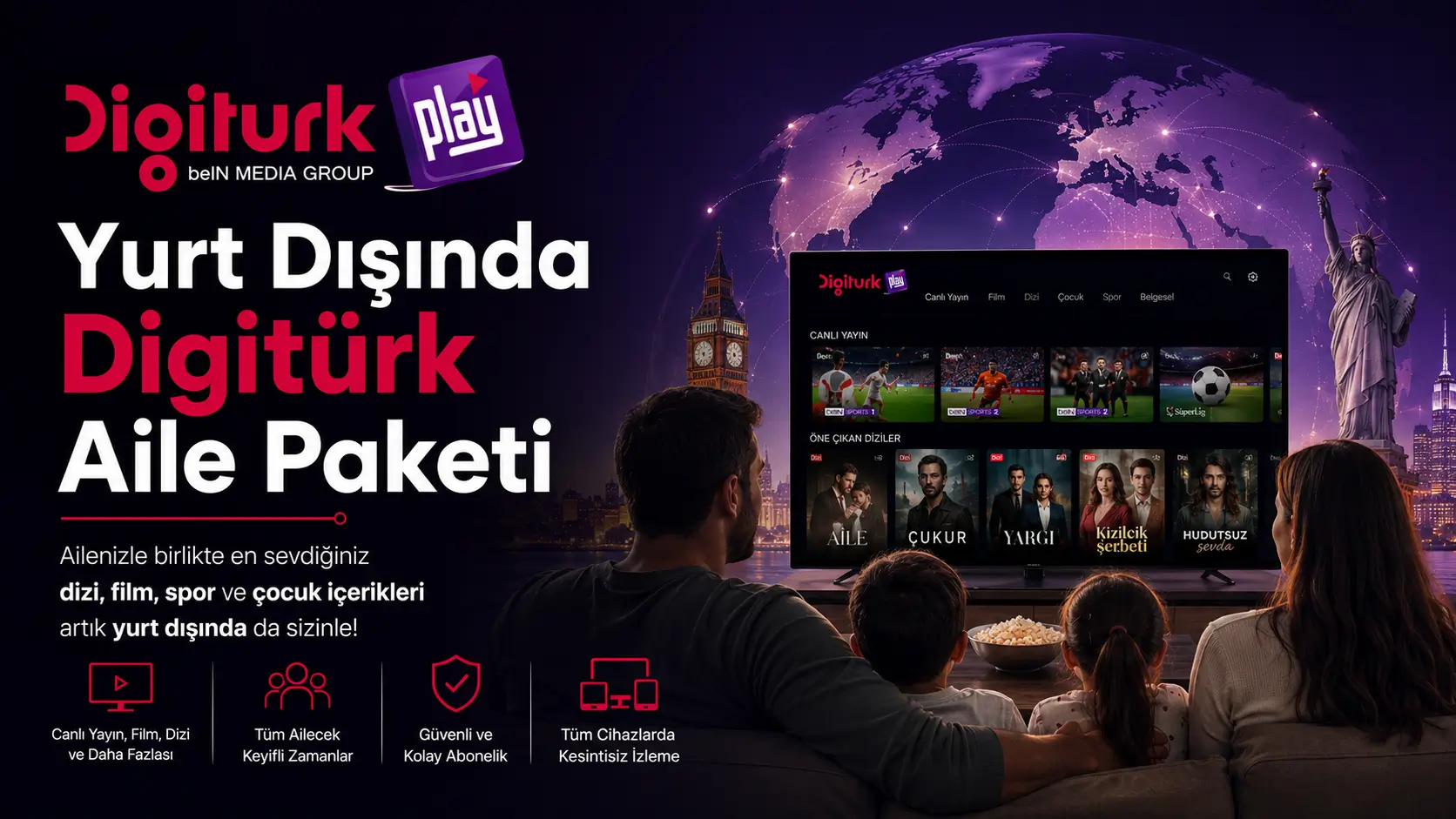
The Family Package is Digiturk Play's entry-level subscription and includes over 60 channels. It features major Turkish national channels such as ATV, Show TV, Star TV, and Kanal D, along with news, drama/series, movies, documentary, music, and children's channels.

Please note: Süper Lig and beIN Sports channels are not included in the Family Package. If you want to watch football matches, you need the Sports Package.

The Family Package is ideal for those living in Europe, the USA, Canada, Australia, or anywhere abroad who want to stay connected with Turkish daily life, series, and entertainment without satellite equipment.

For the complete and up-to-date channel list, please visit the channel list page on our website.

4. How Do I Pay with PayPal for Digiturk Play?

Paying with PayPal for Digiturk Play is simple. On the purchase screen, select PayPal as your payment method. You will then be redirected to the PayPal login page — sign in to your account and confirm the payment.

Once confirmed, your subscription is activated immediately and your login credentials are sent to your email address. PayPal is accepted for subscriptions from Europe, the USA, Canada, Australia, and many other countries.

5. My Credit Card Was Declined or My Account Didn't Activate After Payment — What Should I Do?

European banks sometimes request additional SMS verification for the first international transaction. We recommend having your phone nearby during payment to complete the 3D Secure check promptly.

Most users who initially fail complete the payment successfully after a brief check with their bank. If the issue persists, you can alternatively use a bank transfer or contact our WhatsApp support line for assistance.

If your account did not activate after a successful payment, please contact our support team immediately — we will resolve it within minutes.

6. How Much Does Digiturk Play Cost in Europe? What Affects the Price?

The price of a Digiturk Play subscription depends on: your country of residence, the package you choose (Family or Sports), and the payment duration.

  • Subscriptions in European countries are priced in Euros
  • In the USA, Canada, and Australia, pricing is in Dollars
  • Longer payment periods result in a lower monthly cost

Prices are updated regularly based on exchange rates and promotional campaigns. For the most accurate and up-to-date pricing, please visit the packages page on our website. Annual prepayment typically offers savings of 15–25% compared to shorter-term options.

7. Are Digiturk Play Payments Made in Euros or Other Currencies?

Payment currency depends on your region of residence:

  • European countries (Germany, Austria, France, Belgium, Netherlands, Switzerland, UK, etc.): Payments are made in Euros
  • USA, Canada, Australia: Payments are made in Dollars

Bank-based payment methods such as EPS (Austria) and Bancontact (Belgium) are also available in select countries. The pricing page shows the correct currency for your country automatically.

General Description

This cookie tool will help you understand who is using cookies to collect information from your device, for what purposes they use the information, and how you can control the use of cookies for non-essential activities. Digiturk Play.net supports the Self-Regulatory Principles for Online Behavio...

more